Small balance, small steps
The SkyFair desk minimum is ₹100, so a fresh account funded at that level has no use for a Quick Stake far above it. Keep the row close to what the wallet holds.
Stakes saved, odds watched
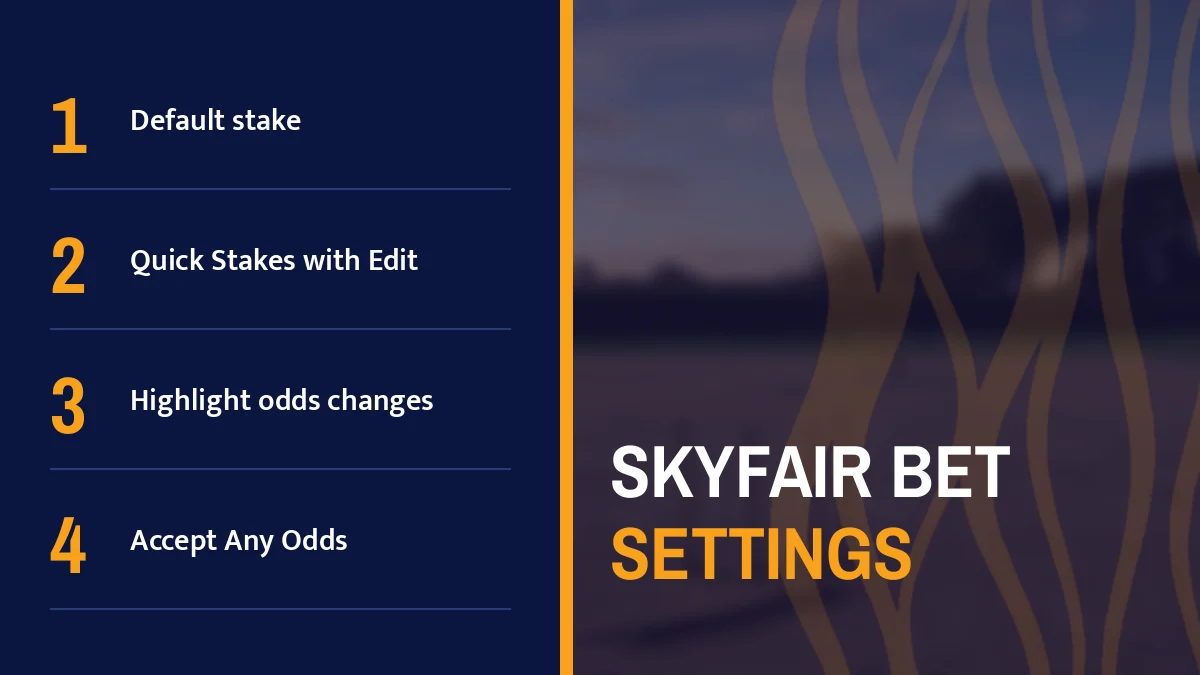
SkyFair bet settings live on one sheet: a default stake, a row of Quick Stakes you edit once, a switch that highlights odds changes, and accept-any-odds toggles for FancyBet and SportsBook. Set them before the first ball. After that, a live bet on SkyFair is a price tap and a stake tap, and skyfair.bet opened on 17 Oct 2026 with or without www.

In-play entry
+91 81097 11726 · SkyFair Bet Settings Card

Two spellings, one destination. On 17 Oct 2026 at 15:43 IST we sent a mobile-browser request to skyfair.bet and another to www.skyfair.bet, each with a 15-second wait, and both answered; the www version did not stay on its own host but landed on skyfair.bet, so typing www skyfair bet into the address bar and typing the bare form end up in the same place.
That matters more than it sounds. Several other SkyFair endings behaved the opposite way that afternoon, staying silent without www and answering only with it. skyfair.bet was the easy one: either form worked.
Bookmark skyfair.bet if it suits you, but treat the bookmark as a convenience, not a home. Your SkyFair username, password and balance are not tied to the .bet ending, so if that address is unreachable from your network one day, another official SkyFair address takes the same login. Your SkyFair ID details are covered on the SkyFair ID page.
Every saved SkyFair bet setting sits on a single settings sheet. Six controls, all on one screen.
| Setting on the SkyFair sheet | What you choose | Where it bites |
|---|---|---|
| Default stake | One amount | The figure you start from on a fresh bet |
| Quick Stakes (Edit Stakes) | A row of preset amounts | One-tap stake changes while a price is open |
| Highlight when odds change | On or off | Moving prices during play |
| Accept Any Odds: FancyBet | On or off | Fancy markets that shift ball by ball |
| Accept Any Odds: SportsBook | On or off | SportsBook prices that move before you confirm |
| Accept Any Price: Binary | On or off | Binary markets |
Default stake first. Get this number wrong and you pay for it in taps: a figure that is too high has to be cut down on each slip, a figure that is too low has to be pushed up, and over an evening of SkyFair in-play bets those extra corrections add up to more than the thirty seconds it takes to set the right figure once.
Quick Stakes come next. Tap Edit Stakes, replace the preset amounts with your own, save. In practice four or five sensible steps beat a long ladder; you want each button to mean something when the over is running and you have a few seconds, not a minute.
The SkyFair desk minimum is ₹100, so a fresh account funded at that level has no use for a Quick Stake far above it. Keep the row close to what the wallet holds.
Topped up? Open the SkyFair sheet again and stretch the Quick Stakes row. Thirty seconds of editing.
One more thing. These are saved settings, so you set them once rather than every login, though nothing stops you from revisiting the sheet whenever your usual stake changes.
Prices on SkyFair move during play, across back and lay, bookmaker and fancy markets, which is exactly why the switch labelled Highlight when odds change exists; turn it on and a price that shifts while you are looking at the market gets marked, so you notice before you tap rather than after.
Who needs it most? Anyone betting from the In-Play tab. A cricket market between deliveries can sit still for a while and then jump on a single wicket, and on a small phone screen the change is easy to miss.
Picture a regular in Pune who keeps the SkyFair In-Play list open through an evening chase. He leaves the highlight on, sets a default stake, and only reaches for a Quick Stake when the marked price is one he still wants. That is the whole routine, really.
The live side, with sports tabs and running coutns, is laid out on SkyFair live betting.
Three toggles share one idea. Accept Any Odds appears twice on the SkyFair sheet, once for FancyBet and once for SportsBook, and Binary markets get the same choice under the name Accept Any Price.
With a toggle on, you are telling SkyFair that a price which moved between your tap and your confirmation is still acceptable. With it off, you keep control of the exact number you saw. That is the theory. In practice it comes down to what annoys you more: a bet that went through at a slightly different price, or a bet that did not go through at all beause the market moved first.
Fancy lines on SkyFair react to every ball. Some players switch acceptance on here and leave SportsBook strict.
Moves are usually slower. Many people keep this one off and accept a refused bet now and then.
Accept Any Price works the same way for Binary. Same trade-off, different label.
None of these toggles changes the exchange rules shown inside the SkyFair lobby. A bet matched after an event's scheduled off time is void whatever you set, settlement follows official results, and logging in from frequently changing IPs can void bets on its own. Which market types SkyFair lists, sport by sport, is on SkyFair betting markets.
Settings saved, here is one bet from the address bar to a confirmed slip, with the error you are most likely to hit at each step.
Open skyfair.bet or www.skyfair.bet. Silent after 15 seconds? Try whichever official SkyFair address answers that day; the login is the same.
Type your Username, then your Password (the eye icon shows what you typed), then the 4-digit Validation Code printed beside the box. Login refused usually means a mistyped code, so read the new number and type it again.
Choose the match. Your saved stake follows you into any of them, so this step is only about which game, which market.
Tap the price you want, back or lay. If the highlight flags a change, decide before you go further.
Your default stake is already there. Tap a Quick Stake to change it.
Confirm. If the price moved and acceptance is off for that market type, SkyFair turns the bet down rather than taking the new price; tap the fresh price and try again.
Short version: three taps.
The exchange screen itself, column by column, is on the SkyFair exchange page, and an account to bet with comes from the desk chat in roughly two minutes, starting from a ₹100 deposit.
People search skyfair bet and www skyfair bet expecting two different sites. On 17 Oct 2026 they were one: www.skyfair.bet redirected to skyfair.bet, and the bare form opened directly.
FancyBet and SportsBook each carry their own Accept Any Odds switch, while Binary uses Accept Any Price.
| Market | Acceptance control |
|---|---|
| FancyBet | Accept Any Odds |
| SportsBook | Accept Any Odds |
| Binary | Accept Any Price |
Three labels come up whenever a skyfair bet is placed in play, and each one is worth setting before the match starts rather than halfway through an over:
Yes, on 17 Oct 2026 both forms opened and www.skyfair.bet landed on skyfair.bet. Either spelling works in the address bar. If the address is blocked by your network on another day, your SkyFair username, password and balance work on whichever official address is answering.
Enter your Username, then your Password, then the 4-digit Validation Code shown next to its box, and press Login. A refused login is usually a mistyped code. Under the SkyFair rules, logins from frequently changing IPs can void bets, so stay on one connection.
Open the SkyFair settings sheet and set a new Default stake, or tap Edit Stakes to replace the Quick Stakes presets. Both are saved, so you only change them when your usual amount changes. On a single bet, a Quick Stake tap overrides the default.
It is a switch that lets a bet go through even if the price moved before you confirmed. SkyFair has one for FancyBet and one for SportsBook, and Binary has the same idea as Accept Any Price. With it off, a moved price means the bet is refused.
₹100 is enough to start placing SkyFair bets, since that is the deposit floor on the desk notice. Send it by UPI, bank transfer or a wallet inside the WhatsApp chat, wait until the balance shows on your account, then set the first stake. Cashing out also starts at ₹100.